Planar UltraRes2.0.46
Publisher Description
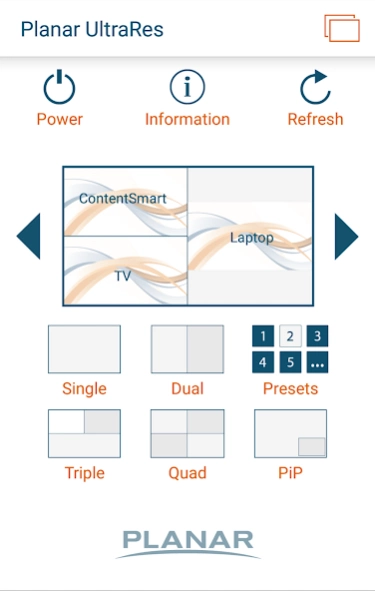
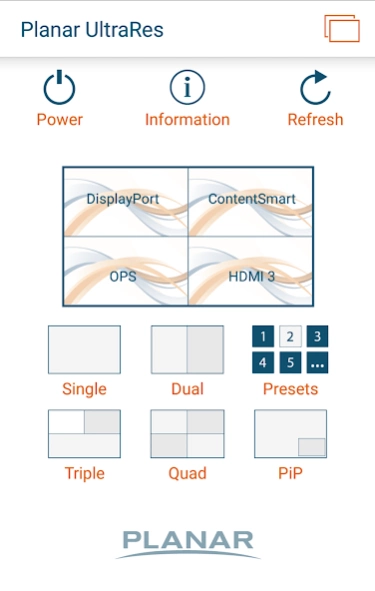
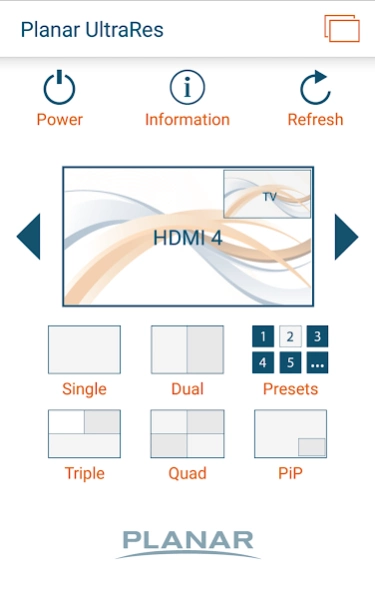
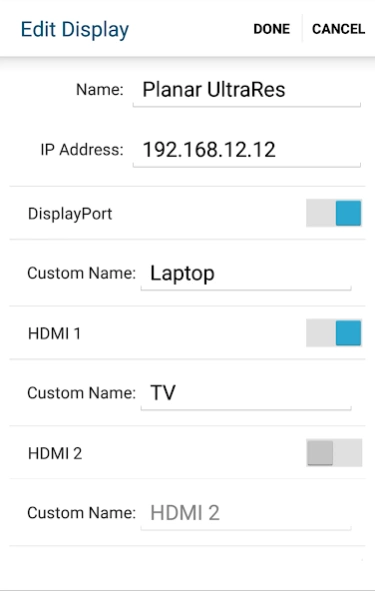
Proficiently manage multi-source viewing on any Planar UltraRes Series display
Planar® UltraRes™ Series LCD displays offer superior 4K clarity for professional applications.
The Planar UltraRes app enables management of the display's multi-source viewing feature from a phone or tablet. Select from up to six directly connected content sources. Choose any single source to view in the entire 4K display area, or choose two, three, or four sources to view simultaneously.
Features:
• Select from any number of Planar UltraRes displays on your network to control
• Power on and off the selected displays
• Switch between single, dual, triple, quad, or picture-in-picture (PiP) layouts
• Recall saved preset configurations
• Create custom names for inputs
• Hide unused inputs
• Access display information for support (model, serial number, and firmware version)
• Convenient links to more information about Planar UltraRes or to contact Planar support
• Compatible with all UltraRes models
Note:
The Planar UltraRes app is compatible only with Planar UltraRes Series 4K professional display products. Features will vary based on model of display connected.
About Planar UltraRes
The company that develops Planar UltraRes is Planar. The latest version released by its developer is 2.0.46. This app was rated by 1 users of our site and has an average rating of 3.0.
To install Planar UltraRes on your Android device, just click the green Continue To App button above to start the installation process. The app is listed on our website since 2015-11-10 and was downloaded 119 times. We have already checked if the download link is safe, however for your own protection we recommend that you scan the downloaded app with your antivirus. Your antivirus may detect the Planar UltraRes as malware as malware if the download link to com.planar.ultrares is broken.
How to install Planar UltraRes on your Android device:
- Click on the Continue To App button on our website. This will redirect you to Google Play.
- Once the Planar UltraRes is shown in the Google Play listing of your Android device, you can start its download and installation. Tap on the Install button located below the search bar and to the right of the app icon.
- A pop-up window with the permissions required by Planar UltraRes will be shown. Click on Accept to continue the process.
- Planar UltraRes will be downloaded onto your device, displaying a progress. Once the download completes, the installation will start and you'll get a notification after the installation is finished.
Program Details
System requirements
Download information
Pricing
Version History
version 2.0.46
posted on 2015-11-11
* Adds new functionality available on next generation UltraRes models
* Automatically recognizes the version of UltraRes and adjusts functionality accordingly
* Create custom names for inputs
* Hide unused inputs
